How to Load ATM Cassettes
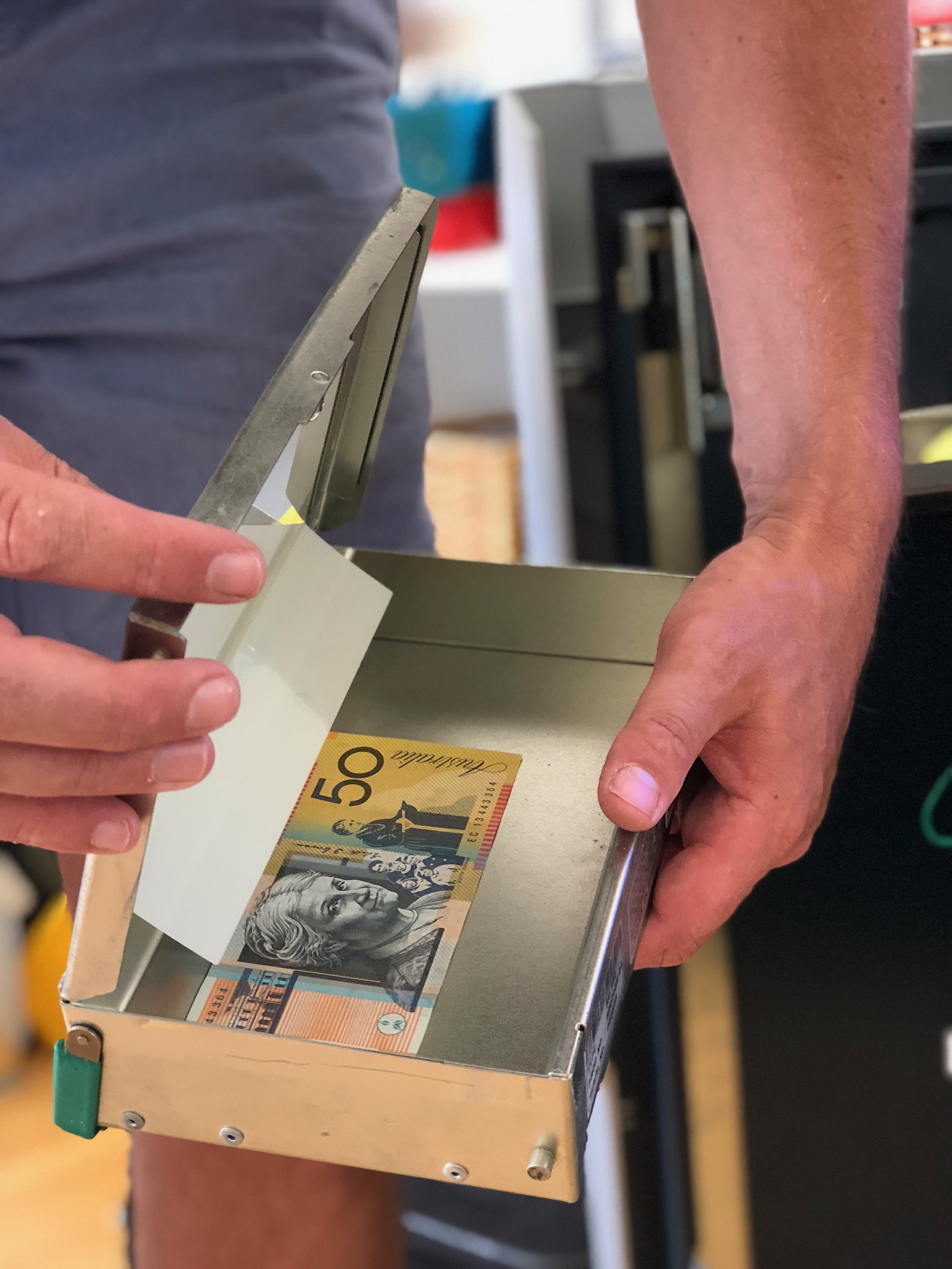
Open management functions
Open ‘Management Functions’ and enter the 6-digit management password you have been provided.
Check which screen you see
You will see one of these two screens.
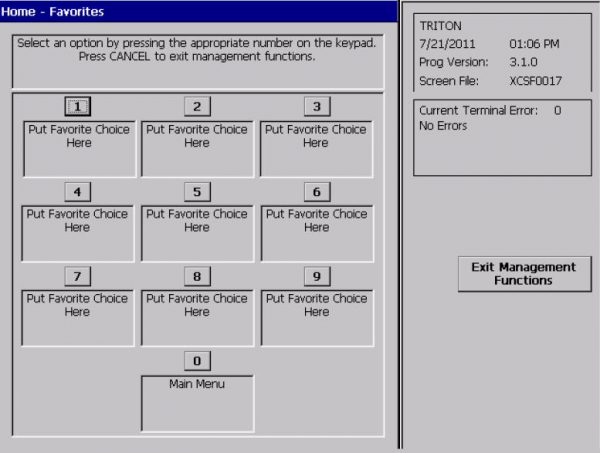
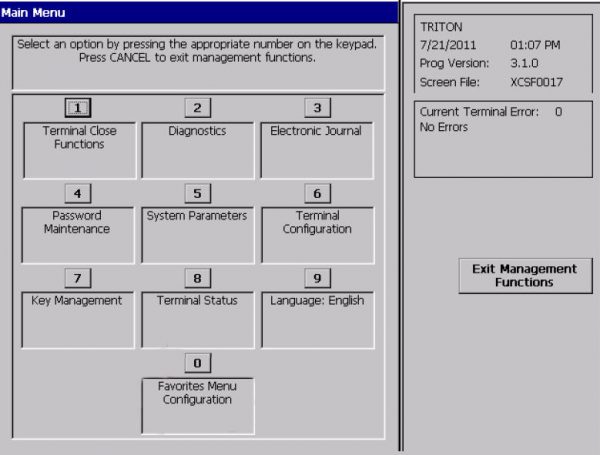
For option A
Unlock the safe
Unlock the safe. Go to ‘Management Functions’ and select ‘(2) Cassette Close’.
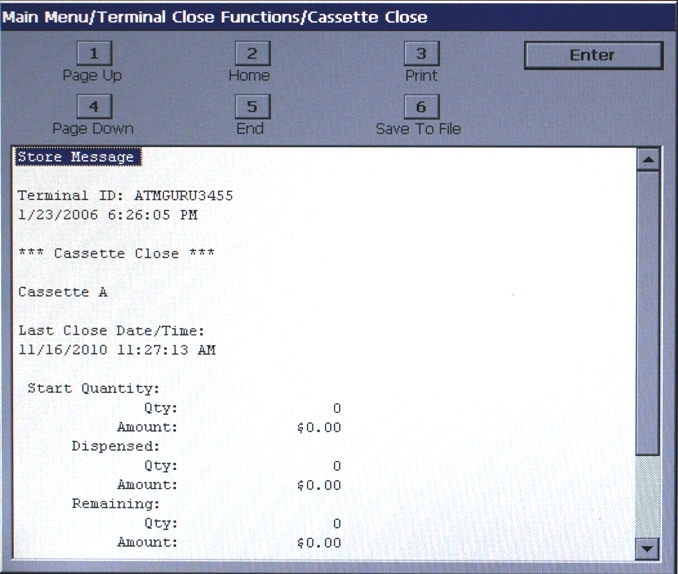
Bring up the report
Press ENTER to bring up the report.

Print a record
Select 3 ENTER to print a record of the cassette close. A time-out warning will be displayed. Press ENTER.
Swap the cassettes
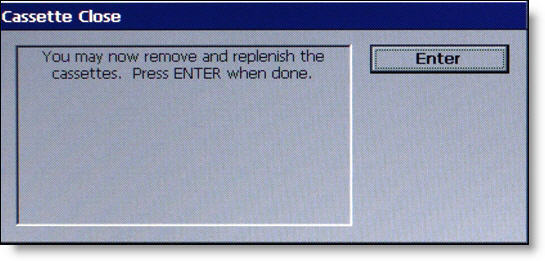
A prompt to remove and replenish cassettes will be displayed. Remove the old cassettes and replace them with the new cassettes as provided by ARA. Once complete, press ENTER.
Enter the note counts
“All cassettes are now locked” will be displayed. Press ENTER.
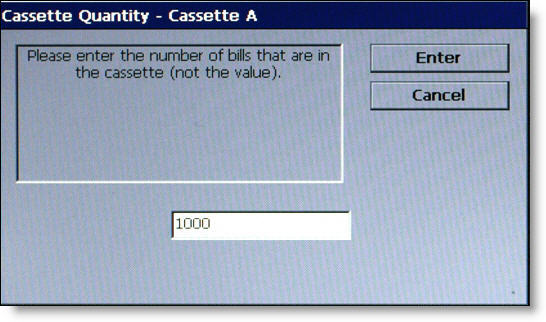
Enter the number of notes in Cassette A (as provided by ARA). Do the same for Cassette B.
Print the update
Select (3) ‘Print’ to print a record of the cassette update.

Stuck?
Call support with your terminal ID ready. You’ll find it on a receipt or docket, or at the top right of the ATM’s management screen.
1300 125 592support@dashatm.com.au