How to Replace ATM Receipt Paper
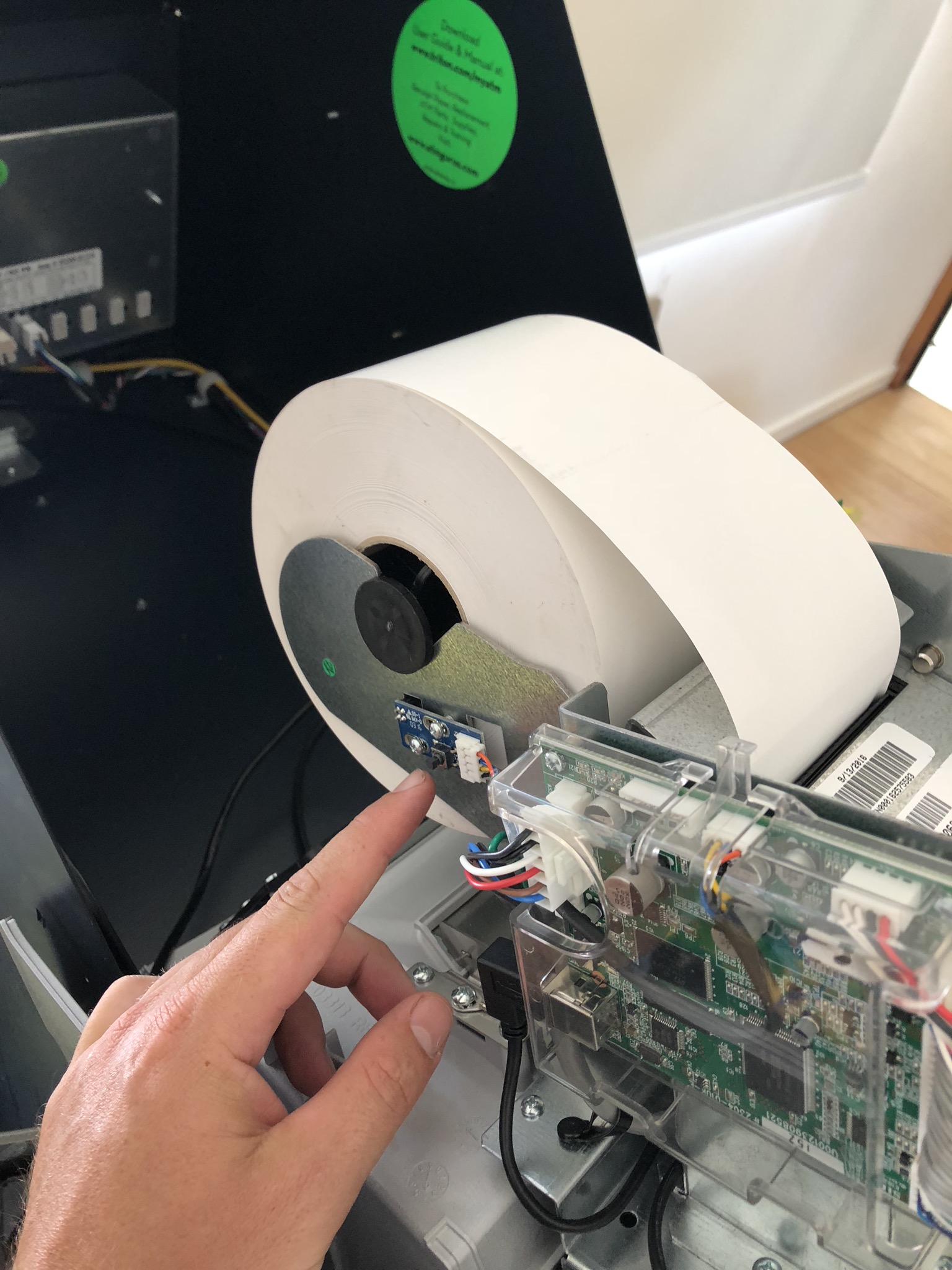
This procedure outlines how to replenish the ATM’s receipt paper.
1
Open the control panel
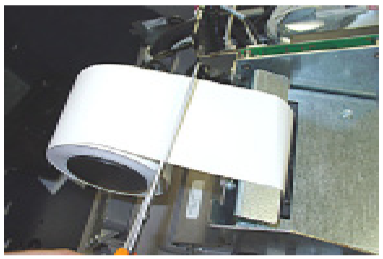
Open the control panel. If paper remains on the roll, cut or tear the paper between the roll and the printer.
2
Clear the feed path
Press the manual feed button to clear any remaining paper from the feed path.
3
Remove the old roll
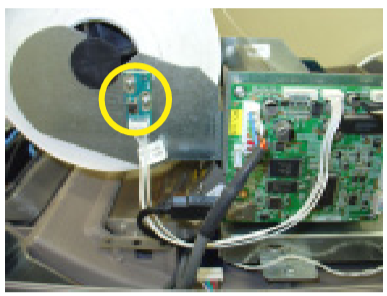
Remove the spent paper roll and spindle from the paper bracket.
4
Fit the new roll
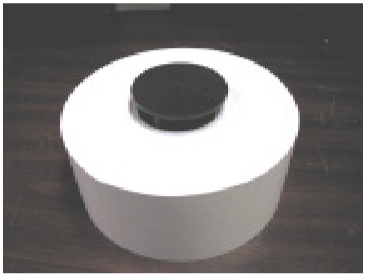
Install the new paper roll onto the spindle.
5
Put it back
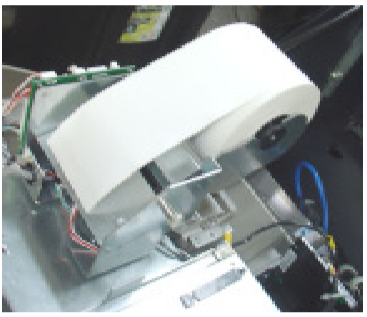
Insert the paper and spindle into the paper bracket. Paper feeds from the TOP of the roll.
6
Feed the paper
Feed the end of the paper into the printer take-up slot. The paper will feed automatically through the printer and slightly out the front of the unit.
Stuck?
Call support with your terminal ID ready. You’ll find it on a receipt or docket, or at the top right of the ATM’s management screen.
1300 125 592support@dashatm.com.au